WordPress vs Wix for Beginners: Which Is Better?
WordPress vs Wix for beginners comes down to this: Wix is easier to start with thanks to its drag-and-drop editor, while WordPress is more powerful and flexible in the long run. If you want the simplest possible way to get a pretty site online today, choose Wix. If you want full control, better SEO tools, and room to grow without limits, choose WordPress — even though it takes a little longer to learn.
I have built sites on both platforms for years. In this guide, I will compare them on the things that actually matter to beginners: ease of use, design, features, pricing, and SEO — then tell you exactly who should pick which.

The Quick Verdict
Short on time? Here is the one-paragraph answer:
- Choose Wix if: you want a beautiful website live today with zero learning curve, and you are fine staying inside Wix’s ecosystem.
- Choose WordPress if: you want to own your site completely, customize anything, rank higher on Google, and never hit a ceiling as you grow.
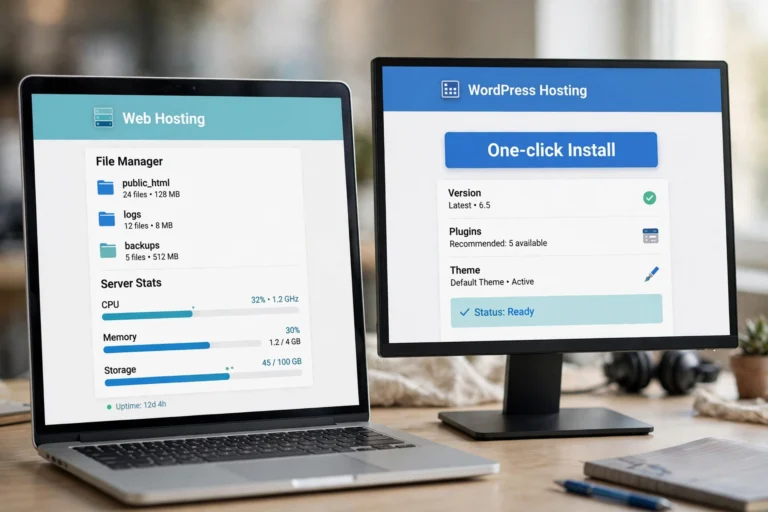
One important clarification: when people say “WordPress” here, they usually mean self-hosted WordPress (WordPress.org) — the version you install on your own web hosting. It is free software, but you pay a few dollars a month for hosting. The differences matter, so read our WordPress.com vs WordPress.org guide if the two names confuse you.
Ease of Use: Wix Wins for Day One
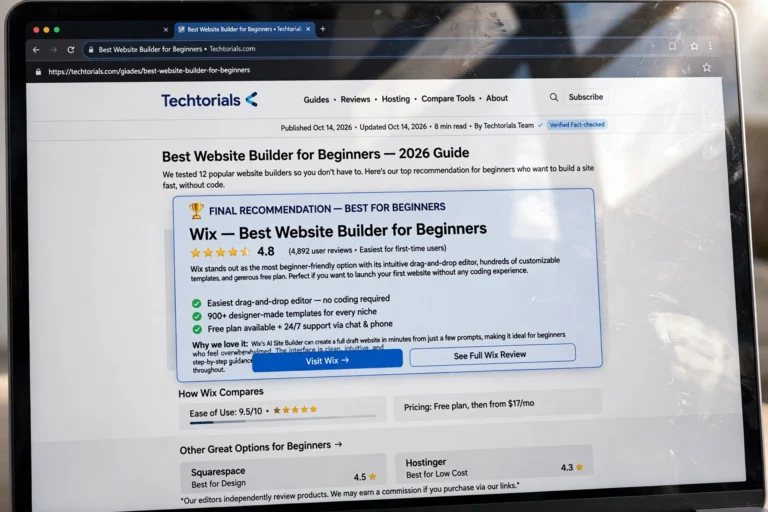
Wix was designed for people who have never built a website. You answer a few questions, pick a template, and drag elements exactly where you want them — text here, photo there, button below. What you see is literally what you get. Most beginners publish their first page within an hour.
WordPress has a learning curve. You install it on hosting, pick a theme, and build pages with the block editor — which is genuinely good once you learn it, but the first afternoon involves terms like “plugins,” “widgets,” and “permalinks” that Wix users never encounter.
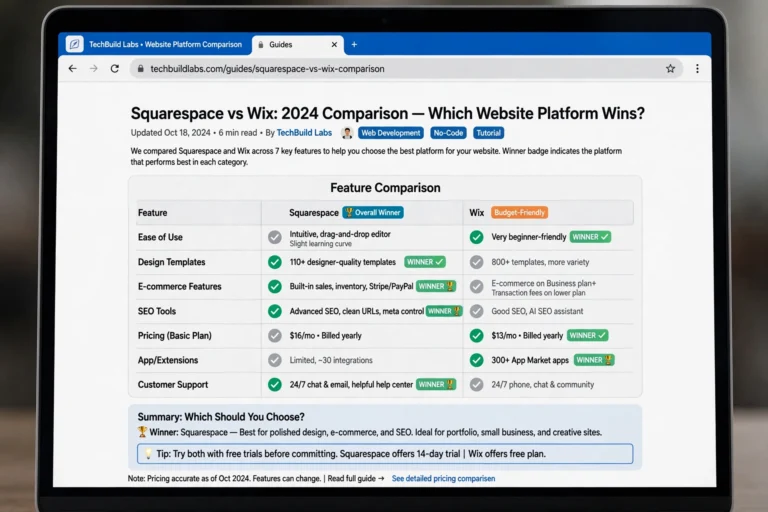
Winner for absolute beginners: Wix. Winner for week two onward: WordPress, because the skills you learn (the block editor, basic SEO) transfer everywhere.
Design and Templates
Wix offers 900+ templates that look stunning out of the box. They are organized by industry — restaurants, portfolios, online stores — so you start close to finished. The trade-off: once you pick a template, you cannot switch to another one without rebuilding your content.
WordPress offers thousands of free and paid themes. The best ones are fully customizable: change colors, fonts, layouts, and headers without touching code. Switching themes later keeps all your content intact — a huge advantage Wix cannot match.
Winner: WordPress for flexibility; Wix for instant beauty.
Features and Flexibility
This is where the gap gets wide:
- Wix gives you an app market with a few hundred add-ons: bookings, restaurants, basic stores. Everything is curated and works smoothly — but only within what Wix allows. You cannot add anything Wix has not approved.
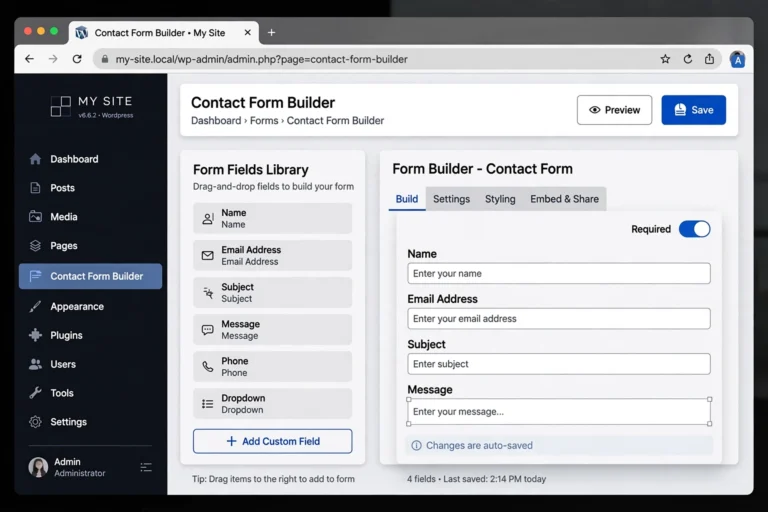
- WordPress has over 59,000 free plugins plus thousands of premium ones. Contact forms, membership sites, online courses, multilingual sites, advanced SEO, custom post types — if you can imagine it, a plugin exists. You also get full access to the code, so a developer can build literally anything.
Think of it this way: Wix is a furnished apartment — move in today, but you cannot knock down walls. WordPress is the plot of land — more work upfront, but you can build anything.
Winner: WordPress, by a mile.
Pricing: What You Actually Pay
Wix pricing (2026): The free plan exists but shows Wix ads and gives you a username.wixsite.com address. Paid plans start around $17/month and remove ads, add a custom domain, and unlock features. There is no way to host Wix elsewhere — you pay Wix forever.
WordPress pricing: The WordPress software itself is free. You pay for web hosting (typically $3–10/month for starter plans) and a domain name (~$10–15/year). That is it — many excellent themes and plugins are free. Your total first-year cost is often under $60, roughly half of Wix’s cheapest annual plan.
Winner: WordPress is cheaper long-term and you are not locked into one company’s pricing. (New to the concept? Our What Is Web Hosting? Explained Simply guide explains what that hosting payment actually buys.)
SEO: Which Ranks Better on Google?
Both platforms can rank on Google, but they are not equal:
- Wix has improved its SEO basics: customizable titles, meta descriptions, sitemaps, and mobile-friendly pages. For a small local business site, it is adequate.
- WordPress is the SEO champion. Plugins like Rank Math and Yoast SEO give you granular control over every ranking factor — schema markup, breadcrumbs, XML sitemaps, redirects, internal link suggestions. Most professional SEO work happens on WordPress for a reason.
Google does not penalize Wix sites, but WordPress gives you sharper tools. If organic search traffic is central to your plan — say, for a blog — WordPress is the clear pick.
Winner: WordPress.
Who Should Choose Which?
Choose Wix if you are…
- Building a simple portfolio, restaurant site, or small business page
- Intimidated by anything technical and want it done today
- Happy to pay a monthly fee for everything handled
- Unlikely to ever need advanced features
Choose WordPress if you are…
- Starting a blog you want to grow (see How to Start a Blog for Free for the zero-cost entry point)
- Planning an online store, membership site, or content-heavy project
- Serious about SEO and long-term traffic
- Willing to spend one weekend learning in exchange for zero limits
Can You Switch Later?
From Wix to WordPress: Possible but annoying. You can export blog posts via RSS, but pages, images, and design must be rebuilt manually. This is Wix’s famous lock-in — one more reason to choose carefully now.
From WordPress.com to self-hosted WordPress: Easy. The exporter moves everything in minutes.
From self-hosted WordPress to anything else: You own your content and database, so migration tools handle most of it.
The lesson: the platform you start with matters. If there is even a small chance you will outgrow a simple site, starting with WordPress saves you a painful migration later.
FAQ
Is Wix easier than WordPress for beginners?
Yes — on day one. Wix’s drag-and-drop editor needs no learning, while WordPress asks you to understand hosting, themes, and plugins. But most beginners get comfortable with WordPress within a week, and then its flexibility pays off for years.
Which is cheaper, WordPress or Wix?
WordPress is cheaper. The software is free; you only pay ~$3–10/month for hosting plus ~$12/year for a domain. Wix’s paid plans start around $17/month and you must keep paying Wix — you cannot move your site to cheaper hosting.
Can I use WordPress for free?
Yes. WordPress.com offers a free plan, and the self-hosted WordPress.org software is free (you only pay for hosting). Start with our How to Start a Blog for Free guide if budget is your main concern.
Does Google prefer WordPress over Wix?
Google ranks individual pages, not platforms. But WordPress gives you better SEO tools (Rank Math, Yoast), faster performance options, and full technical control — which is why most SEO professionals build on WordPress.
Can I move my site from Wix to WordPress later?
Blog posts can be exported via RSS, but pages, design, and images must be rebuilt by hand. It is doable for a small site and painful for a large one. If you think you might switch within a year, start with WordPress now.
Conclusion
WordPress vs Wix for beginners is really a question about your future: Wix wins on simplicity today, WordPress wins on everything tomorrow — cost, control, SEO, and growth. If you want a quick, pretty site and will never need more, enjoy Wix. If you are building something meant to last and grow, invest one weekend in WordPress.
Whichever you choose, start here: How to Start a Blog for Free for the zero-cost launch path, WordPress.com vs WordPress.org to understand the WordPress flavors, and What Is Web Hosting? Explained Simply before you pay for your first hosting plan.