What Is Claude AI? Explained (2026)
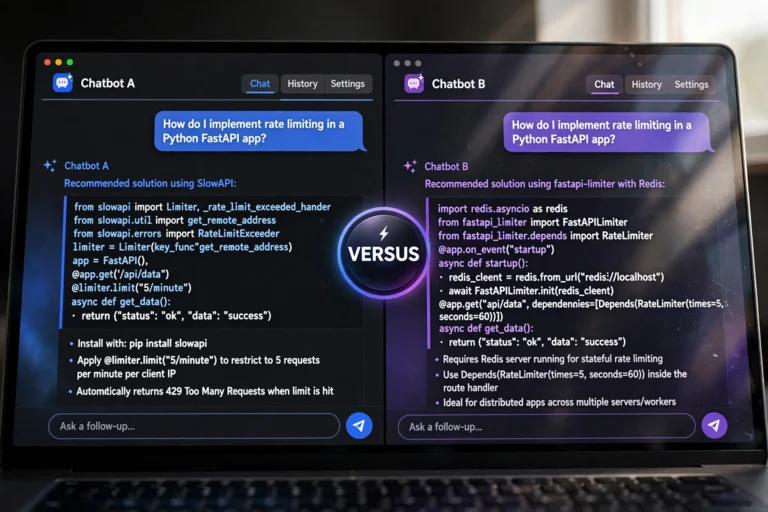
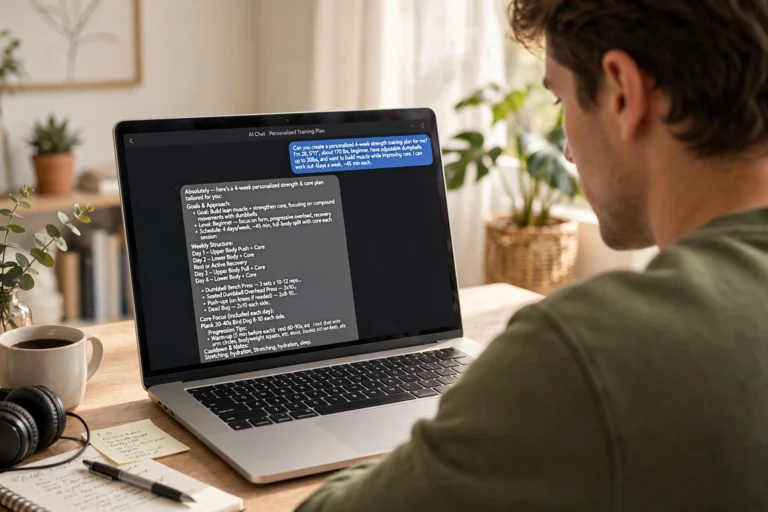
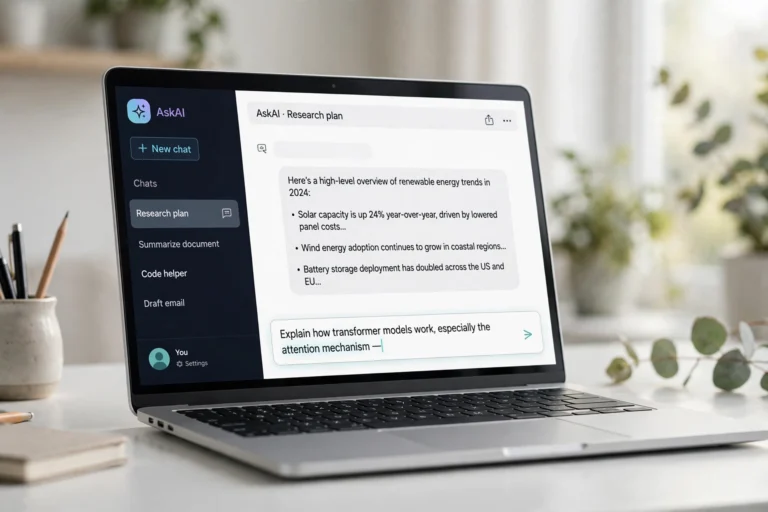
What is Claude AI? It is an AI chatbot built by the company Anthropic — a conversational assistant you talk to like a person, and it answers with thoughtful, well-written text. Claude helps you write, code, summarize documents, brainstorm ideas, and analyze data through a simple chat interface. This 2026 guide explains what Claude does, which model fits you, what it costs, and how it compares to ChatGPT.
If you have been hearing the name Claude everywhere, this guide is for you. By the end you will know exactly what Claude AI is, how to start using it free, and which plan makes sense for you.
What Is Claude AI, Exactly?
Claude is an artificial intelligence assistant created by Anthropic, a San Francisco-based AI company founded in 2021 by former OpenAI researchers. Open claude.ai in a browser, type a message — called a prompt — and Claude replies with detailed, human-like text: emails, explanations, debugged code, document summaries, translations, and study help.
The name “Claude” is a nod to Claude Shannon, the mathematician often called the father of information theory. Anthropic positioned Claude as a safety-first assistant: it is trained to be helpful while refusing harmful requests more reliably than some competitors.
Nothing to install — Claude runs in your browser and in free official apps for iPhone, Android, Mac, and Windows. Sign up with an email address and start chatting in under two minutes.
What Can You Do With Claude AI?
Claude handles the same everyday tasks as other top chatbots, but it is especially praised for three things: careful writing, coding help, and working with long documents. Here is what people actually use it for:
- Writing and editing: drafts, rewrites, proofreading, blog posts, and cover letters. Claude’s style feels natural — many call it the most “human” of the big models.
- Coding: explaining errors, writing functions, refactoring code, and building small projects step by step.
- Document analysis: upload PDFs or reports and ask for summaries, key points, or answers about the contents.
- Research and learning: complex topics broken down, viewpoints compared, study notes prepared at any level.
- Brainstorming: business names, content ideas, workout plans, travel itineraries — anything that starts as a blank page.
- Everyday productivity: meal plans, polite emails, job applications, and meeting summaries.
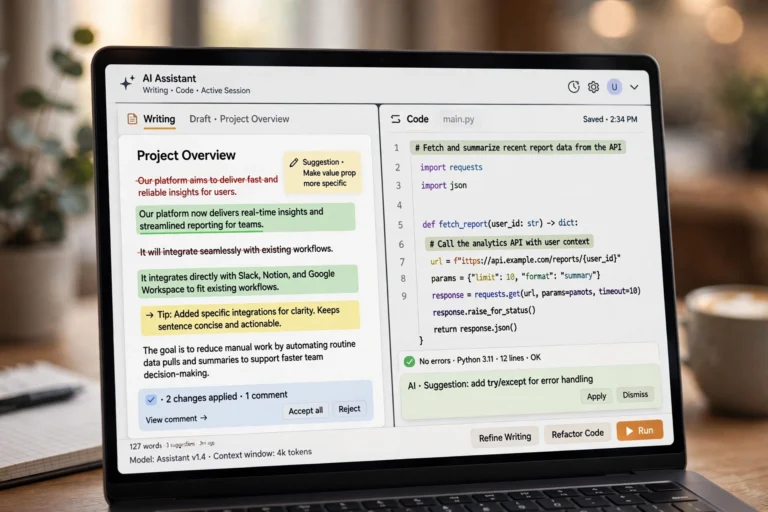
Two standout features deserve a mention. Artifacts opens a separate panel for substantial content — a document, code, or small web page — that you can view and iterate on without it getting buried in chat. Projects (paid plans) creates a workspace with custom instructions and uploaded reference files, so Claude remembers your style across conversations.
Claude AI Models Explained: Haiku, Sonnet, Opus
Anthropic offers Claude in a family of models that trade speed for intelligence:
- Claude Haiku — the fastest, cheapest model. Best for quick answers, simple questions, and high-volume routine tasks where speed matters more than depth.
- Claude Sonnet — the balanced workhorse. Smart enough for professional writing, coding, and analysis, fast enough for real-time conversation. This is the default for most users.
- Claude Opus — the most capable model. Deepest reasoning for complex problems, hard coding, research, and long-form writing.
You do not have to memorize these — the app picks a sensible default, and paid subscribers can switch to Opus for genuinely hard tasks. Current models can work with up to a 1-million-token context window — roughly 700,000 words, or several books, in a single conversation. That is one of the largest in the industry, and it is why Claude is so good at reading whole documents without losing track.

Is Claude AI Free? Plans and Pricing in 2026
Yes — the free plan is genuinely useful. Here is how the tiers break down in 2026:
- Free ($0): chat on web and apps, web search, and image input, with daily usage limits. Enough for casual use — no credit card required.
- Pro ($20/month, or ~$17/month billed annually): about five times the free usage, access to the most capable Opus model, Projects, and priority access in busy times.
- Max ($100–$200/month): five or twenty times Pro’s usage for people who work with Claude all day, plus monthly API credits.
- Team and Enterprise: per-seat pricing with shared workspaces, admin controls, single sign-on, and compliance tools.
Pricing mirrors ChatGPT’s structure almost exactly — ChatGPT Plus is also $20 a month. We break that side down in our guide Is ChatGPT Free? Plans Explained.
The honest take: start free. If you keep hitting the usage limit — Claude pauses you with a message saying when limits reset — that is your signal to consider Pro. Most casual users never need to pay.
How to Start Using Claude AI: 5 Quick Steps
Getting started takes about two minutes:
- Step 1: Go to claude.ai in any browser.
- Step 2: Click Sign up and create an account with your email (Google sign-in works too).
- Step 3: Verify your email and complete the quick setup.
- Step 4: Click in the message box at the bottom of the chat screen.
- Step 5: Type your first prompt and press Enter. Try: “Explain how credit scores work in simple terms.”
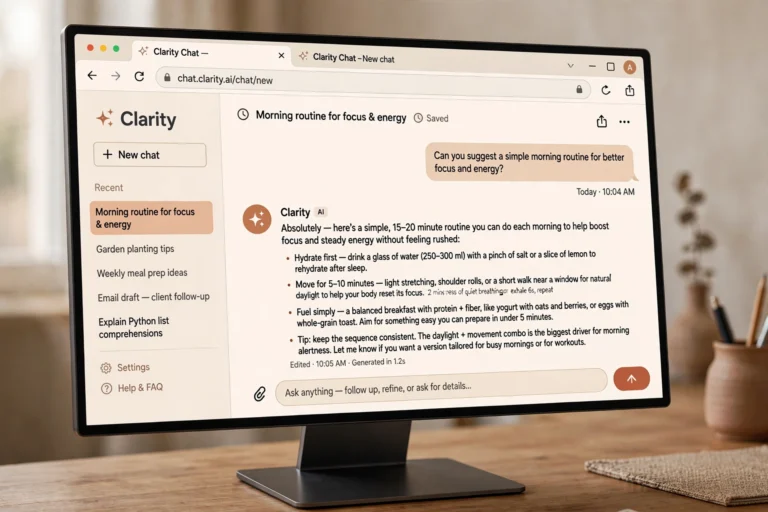
That is all there is to it. The sidebar saves past conversations automatically, and you can start fresh anytime with the New chat button when you switch topics.
Claude AI vs ChatGPT: Which Should You Use?
Both are excellent; they just have different strengths:
- Writing quality: many writers prefer Claude’s tone — it sounds less robotic and needs less editing.
- Coding: Claude has a strong reputation among developers, especially for multi-file edits and large codebases.
- Long documents: Claude’s huge context window lets it read entire reports or books in one go.
- Images and voice: ChatGPT leads here — image generation, voice conversations, more integrations.
- Price: both offer free tiers and $20/month Pro plans, so cost rarely decides it.
The rule of thumb: pick Claude if your work is text-heavy — writing, editing, coding, reading long documents. Pick ChatGPT if you want images, voice, and a larger app ecosystem. Plenty of people keep both for free, and our Gemini vs ChatGPT: Which Is Better in 2026? covers the third major player.
Claude AI Strengths and Weaknesses
No honest guide would skip this — here is the balanced picture:
Where Claude shines:
- Among the most natural, human-sounding writing of any AI model.
- Excellent at coding, especially understanding and editing large projects.
- Industry-leading long-context ability — reads whole books and reports.
- Strong safety behavior with clear, honest refusals.
- Calm, uncluttered interface that beginners find easy.
Where it falls short:
- No image or video generation — you need another tool for visuals.
- Usage limits can interrupt you, even on paid plans during heavy use.
- Smaller ecosystem of third-party integrations than ChatGPT.
- Can confidently state wrong facts (“hallucinate”) — verify what matters.
- Free tier limits are tight for power users.
5 Tips for Getting Better Answers from Claude AI
Claude rewards good prompting. These five habits make a noticeable difference:
- Give context, not just questions. “Explain inflation to a 15-year-old writing a school essay” beats “explain inflation” every time.
- Ask for a format. “As a table,” “as bullet points,” or “in under 100 words” shapes the answer.
- Use follow-ups. Reply with “make it shorter” or “give me an example” instead of starting over.
- Upload source material. Attach the document, code, or data you want analyzed instead of describing it.
- One job per prompt. Splitting a complex request into steps beats one giant prompt asking for five things.
Here is a prompt template worth stealing:
“Act as an expert editor. Review the attached draft and: 1) fix grammar, 2) tighten wordy sentences, 3) suggest a stronger opening line. Show me the changes as a list.”
Replace the role and instructions with your own task, and you have a formula that works for writing, coding, analysis, and study help alike.
FAQ
What is Claude AI used for?
Writing and editing, coding help, summarizing long documents, research, brainstorming, studying, and everyday tasks like drafting emails. Developers also build apps on Claude through Anthropic’s API.
Is Claude AI really free?
Yes. The free plan at claude.ai gives you chat, web search, and image input at no cost with daily usage limits. Paid plans ($20/month Pro and up) raise those limits and unlock the most capable Opus model.
Who owns Claude AI?
Claude is built and owned by Anthropic, an AI safety and research company founded in 2021 by former OpenAI researchers. It is not owned by Google, Microsoft, or OpenAI.
Is Claude AI better than ChatGPT?
Neither is universally better. Claude tends to win on writing quality, coding, and long documents; ChatGPT wins on image generation, voice features, and its larger app ecosystem.
Is my data private on Claude AI?
Anthropic lets you opt out of having your conversations used for model training on all plans — check your account’s privacy settings. As with any chatbot, avoid pasting passwords or sensitive personal information into the chat.
Conclusion
What is Claude AI? It is Anthropic’s conversational AI assistant — a free-to-start chatbot that excels at writing, coding, and working with long documents at claude.ai. The free plan suits most people; the $20/month Pro plan is there when you outgrow it. For text-heavy work, Claude is one of the two or three AI assistants genuinely worth your time in 2026.
Start free at claude.ai today and try the prompting tips above for a week. If you are still comparing assistants, our Is ChatGPT Free? Plans Explained and Gemini vs ChatGPT: Which Is Better in 2026? guides will round out the picture.