Best AI Tools That Actually Improve Your Productivity (2026)
The best AI tools that actually improve your productivity are not the ones with the flashiest demos — they are the ones you still use three months later. After testing dozens of AI apps, most turn out to be novelties: fun once, forgotten by Friday. This guide cuts through the hype and covers only the tools that earn their place in a real daily workflow, organized by the actual jobs they do for you.
Every tool here is judged on one standard: does it save you meaningful time every week? If yes, it made the list. If it is merely impressive, it did not.
Writing and Drafting: ChatGPT and Claude
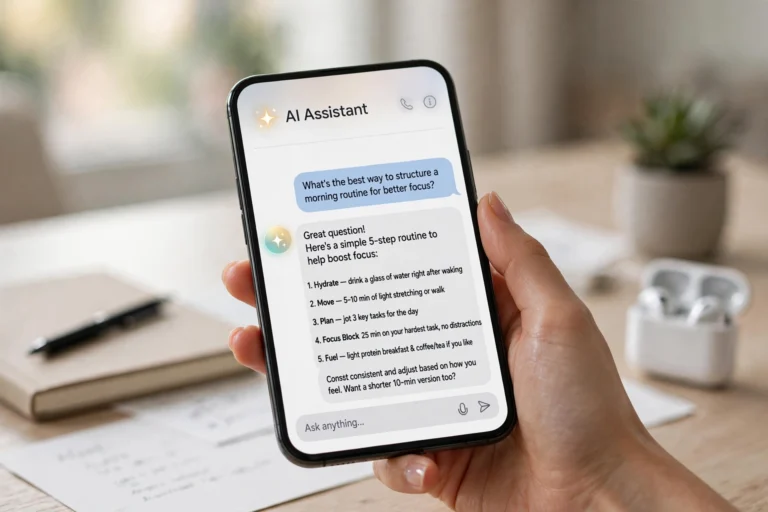
For everyday writing — emails, reports, proposals, social posts — the two flagship chatbots remain the highest-value AI tools most people can adopt:
- ChatGPT. The most versatile all-rounder: great at drafting, brainstorming, and explaining. The free tier handles most daily writing tasks; memory features make it better the longer you use it.
- Claude. The stronger writer of the two for long-form content — more natural tone, better at following detailed style instructions, excellent with long documents.
- How they save time: a first draft in 30 seconds instead of 30 minutes staring at a blank page; instant rewrites in different tones; summaries of anything you paste in.
- Best practice: pick one as your primary and learn it deeply. Prompting skill matters more than which model you choose.

“The most productive AI tool is the one whose quirks you’ve learned. A year with one chatbot beats a month each with twelve.”
Research and Answers: Perplexity and NotebookLM
When you need facts, sources, and understanding — not just fluent text — these two change how research feels:
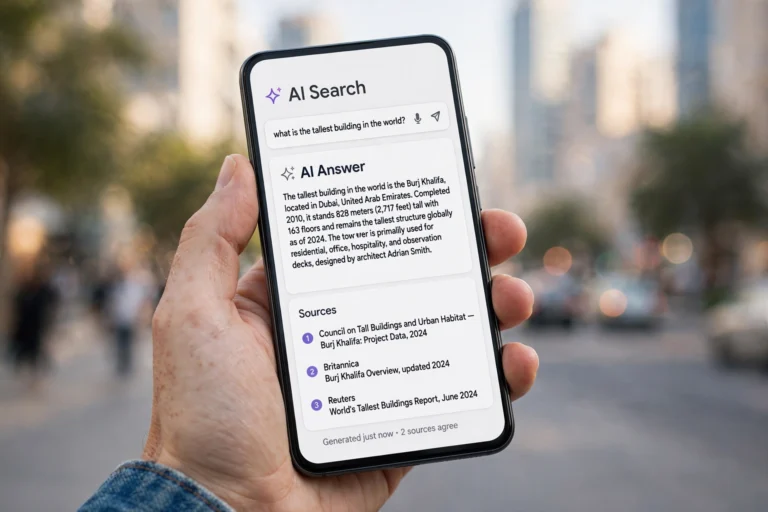
- Perplexity. A search engine rebuilt around AI: ask anything, get a direct answer with inline citations. Ideal for “what’s the latest on…”, comparisons, and anything where you need to verify claims.
- NotebookLM. Upload your own documents, PDFs, and YouTube links, then chat with them. Turns your files into a private research assistant with timestamp and page citations.
- How they save time: research that took an afternoon of tab-hopping now takes twenty minutes; every claim is cited so verification is instant.
- Best practice: use Perplexity for the open web and NotebookLM for your own materials. Together they cover nearly all research needs.
Meetings and Notes: AI Notetakers
Meetings are productivity black holes, and AI notetakers are the closest thing to a fix:
- What they do. Tools like Otter.ai, Fireflies, and Fathom join your video calls (or record in-person audio), transcribe everything, and produce summaries with action items and decisions.
- How they save time: no more frantic note-taking during calls — you can actually listen. The auto-generated action items mean nothing falls through the cracks.
- The real win: searchable meeting history. “What did we decide about pricing in March?” becomes answerable in seconds instead of a Slack archaeology dig.
- Privacy note: always tell participants when a meeting is being recorded and transcribed. Most tools announce themselves, but confirm your local consent rules.

Scheduling and Email: AI Assistants That Clear the Busywork
Calendar Tetris and inbox overload eat more hours than most people admit. AI helps on both fronts:
- Scheduling assistants. Tools like Reclaim.ai and Motion automatically schedule your tasks around meetings, defend focus time, and reschedule intelligently when things shift.
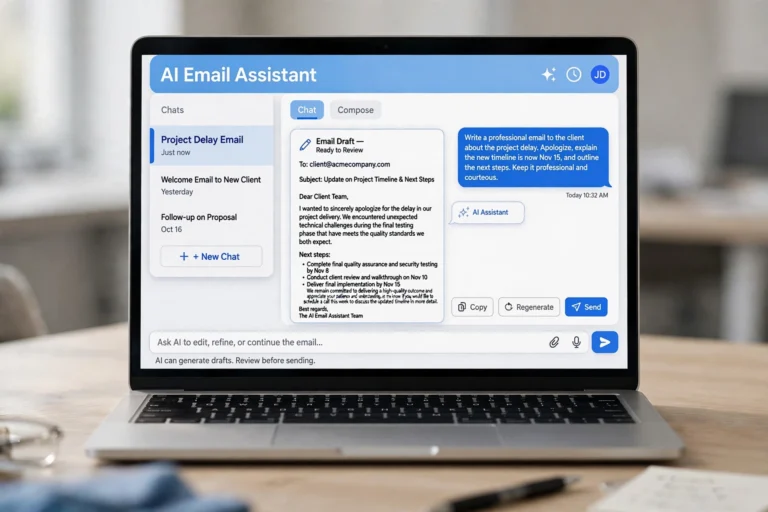
- Email AI. Gmail’s and Outlook’s built-in AI (summaries, smart replies, drafting help) plus dedicated tools like Superhuman’s AI features cut email time dramatically.
- How they save time: users commonly report saving 3-5 hours a week on scheduling and email triage alone — the two most interrupt-driven parts of knowledge work.
- Best practice: let the AI propose, you dispose. Auto-scheduling works best when you review the week’s plan each Monday morning and adjust.
Automation: Zapier AI and Shortcuts
The quietest productivity win is connecting your tools so work flows without you:
- Zapier (with AI steps). Connect thousands of apps: new form submission → AI summarizes it → posts to Slack → creates a task. No coding needed.
- Built-in OS automation. Apple Shortcuts and Android routines, now with AI actions, handle on-device workflows like “when I arrive at work, summarize my calendar.”
- How they save time: each automation saves minutes; ten automations save hours weekly. The compounding effect is the point.
- Start small: automate one annoying repetitive task this week — the one you sigh about every time. Success there will motivate the next nine.

What to Skip: AI Tools That Waste Your Time
Honesty requires naming the categories that usually disappoint:
- AI tools that need more setup than they save. If onboarding takes three hours for a task you do monthly, the math never works.
- Single-purpose novelties. The AI app that does one cute trick — generating meeting icebreakers, rewriting text as Shakespeare — is entertainment, not productivity.
- Tools that duplicate what your chatbot already does. Before adopting a specialized AI writing app, check whether a good prompt in ChatGPT or Claude does the same job.
- Anything with a subscription you forgot about. Audit quarterly. The average knowledge worker accumulates 3-4 forgotten AI subscriptions a year.
“Every AI tool you adopt has a hidden cost: learning it, maintaining it, and switching to it. A tool must save more than its own overhead — most don’t.”
Building Your Personal AI Stack
Do not adopt everything at once. Build deliberately:
- Start with one chatbot. ChatGPT or Claude, used daily for a month. This alone captures most of the available productivity gain.
- Add research tools when you feel the gap. If you are constantly fact-checking or drowning in documents, add Perplexity or NotebookLM.
- Automate your biggest time sink next. Meetings? Get a notetaker. Email? Upgrade your email AI. Scheduling chaos? Try an AI scheduler.
- Review quarterly. Ask of each tool: did I use this weekly? Did it save real time? Cut ruthlessly — a lean stack you actually use beats an impressive one you do not.
The goal is not to use AI everywhere. The goal is to find the three or four places where AI reliably gives you hours back every week — and ignore everything else.
FAQ
Which single AI tool gives the biggest productivity boost?
For most people, a general chatbot (ChatGPT or Claude) used daily. Writing assistance, quick answers, brainstorming, and summarizing cover the widest range of tasks. Master one before adding anything else.
Are free AI tools enough, or do I need paid plans?
Free tiers cover most individual productivity use. Consider paying when you hit limits regularly, need longer documents processed, or want team features like shared workspaces. Start free, upgrade on evidence.
How do I avoid AI tools becoming a distraction?
Set a rule: every new AI tool must replace an existing workflow or solve a specific recurring pain. “This looks cool” is not a reason to adopt. Review your stack quarterly and delete what you do not use weekly.
Is my data safe with these AI tools?
It depends on the tool. Never paste passwords, full financial details, or highly sensitive personal data into any AI service. Check each tool’s privacy policy and data-retention settings; most reputable tools let you opt out of training-data usage and delete your history.
Will AI tools really save me hours, or is that marketing?
Both. The marketing overpromises, but the real gains are still significant: users who integrate 2-3 tools into daily routines commonly report 3-6 hours saved weekly, mostly from writing, research, meetings, and email. The key word is “integrate” — tools you do not build habits around save nothing.
Conclusion
The best AI tools that actually improve your productivity in 2026 are a short list, not a long one: one strong chatbot for writing and thinking, Perplexity or NotebookLM for research, an AI notetaker for meetings, smart help for scheduling and email, and a little automation for the repetitive stuff. Skip everything else until you feel a specific gap.
Start today with the chatbot you already have. Use it deliberately for one week on real work — drafting, summarizing, planning — and measure the difference. Productivity from AI is not about the tools; it is about the habits. Build the habits, and the hours come back.