How to Make My TV Speakers Sound Better Without a Soundbar (2026)
how to make my tv speakers sound better without a soundbar is a question with a surprisingly happy answer: you can get dramatically better sound from the speakers you already own. Built-in TV speakers are small and badly placed by design, but the right placement, the right settings, and a few room tweaks can transform muddy, quiet dialogue into clear, full sound — no new hardware required.
This guide covers why TV speakers sound weak in the first place, how placement alone can fix half the problem, the exact sound settings to change (and which “enhancements” to turn off), simple room tweaks that cost nothing, and a couple of free upgrades using gear you might already own.
Why TV Speakers Sound Bad in the First Place
It is not your imagination — modern TV speakers are physically handicapped. Understanding why helps you work around their limits:
- There is no room for them. As TVs got thinner, speaker drivers shrank to tiny, shallow units crammed into a half-inch bezel. Small drivers physically cannot move much air, which means weak bass and thin sound.
- They fire the wrong way. Most TV speakers point down or backward, bouncing sound off your TV stand or wall before it reaches you. That reflected sound arrives smeared and muffled compared to speakers aimed at your ears.
- They are tuned for showrooms. Out of the box, TVs ship in vivid picture modes and hyped sound modes designed to grab attention in a bright, noisy store — not to sound natural in your living room.
The good news: none of these are fixed in stone. Placement and settings can compensate for most of it, which is exactly where we start.
Fix the Placement Before Touching Any Settings
Where your TV sits affects its sound more than any menu option. Get this right first:
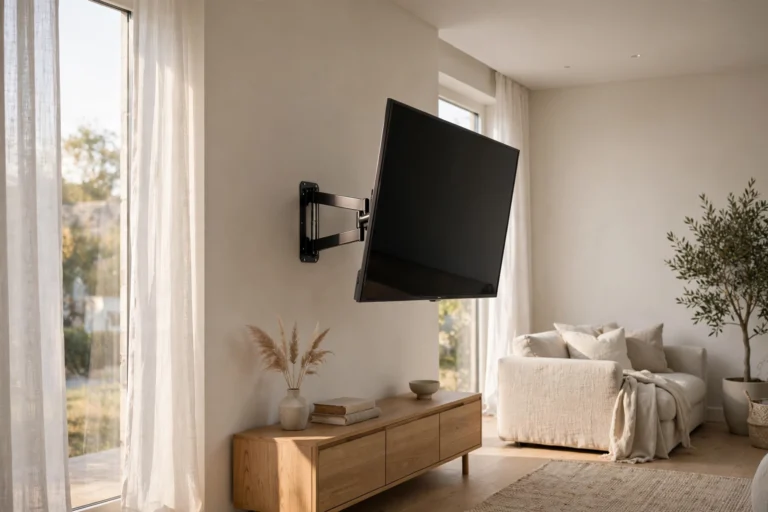
- Get the TV to ear level. When you sit on your couch, the middle of the screen should be roughly at eye level — which puts the down-firing speakers closer to ear height. A TV mounted too high over a fireplace is an acoustic disaster: sound fires at your knees while dialogue floats somewhere near the ceiling.
- Pull it away from the wall. If your TV is wall-mounted and pushed flat against it, rear-firing speakers get choked. Even two to three inches of clearance lets sound breathe instead of getting trapped.
- Give it a hard surface to bounce off. Down-firing speakers need a solid TV stand or console beneath them to reflect sound forward toward you. A glass or wood surface works; a thick tablecloth or clutter directly under the TV absorbs the sound before it escapes.
- Center yourself. TV speakers have a narrow sweet spot. If you always sit far off to one side, dialogue will sound thin no matter what you change. Even shifting the couch a foot can help.
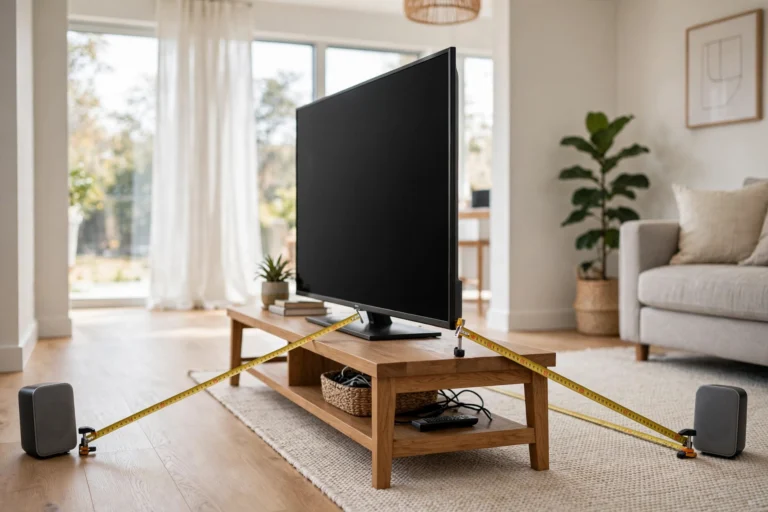
“Half of all ‘bad TV speaker’ complaints I have investigated were really placement problems. Fix where the TV sits and where you sit, and the speakers suddenly sound like different speakers.”
Change These Sound Settings Tonight
Now open your TV’s sound menu — usually Settings > Sound or Settings > Audio. These changes make the biggest difference:
- Switch to Standard or Movie sound mode. Avoid Dynamic, Vivid, Sports, or similar modes — they hype bass and treble for showroom punch and wreck dialogue clarity. Standard or Movie/Cinema modes are tuned flatter and clearer.
- Turn on dialogue enhancement. Look for Clear Voice, Dialogue Mode, Speech Clarity, or Dialog+ (names vary by brand). This lifts the vocal frequency range so you stop reaching for subtitles during quiet scenes.
- Turn OFF virtual surround. Settings like Virtual Surround, Surround Sound, or 3D Audio try to fake spaciousness from tiny speakers and usually just make everything echoey and vague. Off sounds cleaner.
- Flatten the EQ. If your TV has an equalizer (Settings > Sound > Equalizer), try this: pull the lowest bass bands down a notch or two (tiny speakers distort trying to produce bass), and gently raise the midrange around 1–4 kHz where voices live.
- Disable automatic volume gimmicks — carefully. Auto Volume or Night Mode compresses the difference between whispers and explosions. It helps late-night viewing but flattens movie dynamics; use it only when you need it, not by default.
- Check the digital audio output. If your TV feeds any external device, make sure it is set to PCM/Stereo rather than a surround format the downstream device cannot decode — mismatches cause dropouts and weird quiet dialogue.
Change one thing at a time and listen for a few minutes. Your ears adjust quickly, so A/B testing with a familiar scene — a dialogue-heavy show you know well — tells you more than any spec sheet.
Tame Your Room for Free
Your room is the other half of your sound system. Hard, bare rooms turn TV audio into an echoey mess; soft furnishings clean it up dramatically:
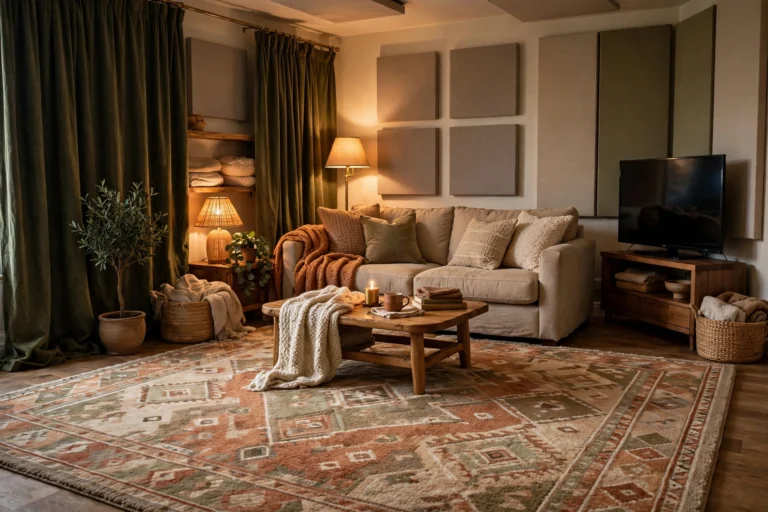
- Add a rug. If your TV area has hard floors, a rug between the couch and the TV kills the worst reflections. It is the single highest-impact room tweak.
- Hang curtains. Bare windows and walls bounce sound around. Curtains — even inexpensive ones — absorb high-frequency reflections that smear dialogue.
- Soften large flat surfaces. A big bare wall opposite the TV acts like a mirror for sound. A bookshelf, tapestry, or even a fabric-covered canvas breaks it up.
- Mind the couch. A fabric sofa absorbs sound; a leather one reflects it. You do not need to replace furniture — a throw blanket over the back helps.
You do not need acoustic panels or a treated studio. A normal lived-in room with a rug, curtains, and a soft couch already sounds far better than a minimalist box of hardwood and glass.
Free Upgrades Using Gear You Already Own
Still want more without buying a soundbar? Raid your closets:
- Old PC speakers. That dusty 2.1 set from your old desktop will demolish built-in TV speakers. Connect via the TV’s headphone jack or optical output (you may need a cheap DAC for optical) and place the satellites at ear level on either side of the TV.
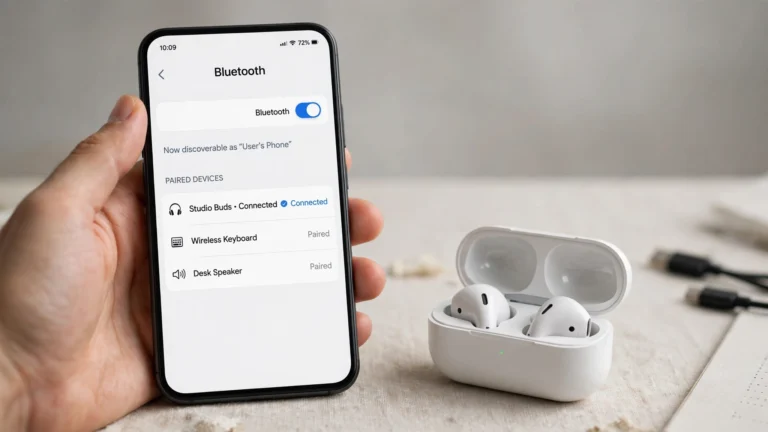
- A Bluetooth speaker. Many TVs can pair with a Bluetooth speaker (Settings > Sound > Bluetooth). Place it in front of the TV, centered — a decent portable speaker aimed at you beats down-firing TV speakers easily. Watch for slight audio delay; if lips do not sync, use a wired connection instead.
- Wired headphones for late nights. Not a speaker upgrade, but for dialogue clarity nothing beats headphones — and your household will thank you.
FAQ
Why is dialogue so quiet but action scenes so loud?
This is the number one TV audio complaint. Movies mix dialogue in the center channel and effects everywhere else; tiny TV speakers cannot separate them well. Dialogue enhancement mode plus a flatter EQ setting is the fix — it lifts voices without cranking overall volume.
Will a soundbar always beat tuned built-in speakers?
Honestly, yes — even a basic soundbar has bigger drivers, forward-firing placement, and a dedicated center channel. But the gap shrinks enormously once you fix placement, settings, and room acoustics. Many people find they no longer feel the need.
Does turning the volume up damage small TV speakers?
It can, at extreme levels — tiny drivers distort and can be damaged by sustained max volume, especially bass-heavy content. If you constantly max out the volume, that is a sign you need the placement and settings fixes above, or eventually external speakers.
Should I use the TV’s “AI sound” or adaptive audio modes?
Try them, but skeptically. Some newer TVs do a decent job of adjusting on the fly; many just add processing that muddies dialogue. Compare with a familiar scene and keep whichever sounds clearer to your ears.
My TV speakers buzz or rattle at certain volumes. Can settings fix that?
Sometimes — reducing the bass in the EQ often stops rattling, since tiny speakers buzz when pushed beyond their limits. If it persists at moderate volume, something may be physically loose, and that needs a repair shop, not a settings menu.
Conclusion
Learning how to make my tv speakers sound better without a soundbar comes down to three moves: put the TV where its speakers can actually reach your ears, switch to sane sound settings with dialogue enhancement on and gimmicks off, and soften the room with a rug and curtains. Each step is free, and together they close most of the gap to a dedicated speaker system.
Try the placement and settings changes tonight with a show you know well — the difference is usually immediate and obvious. And if you ever do decide to buy a soundbar later, everything you learned here about placement and room acoustics will make that soundbar sound better too.