7 Free AI Headshot Generators (2026)
The best free AI headshot generator options in 2026 can turn an ordinary selfie into a polished, professional-looking headshot in minutes — no photographer, no studio, no cost. Free tiers do have limits (fewer styles, watermarks on some tools, lower resolution), but for a LinkedIn photo, resume, or portfolio, they are more than good enough to start.
This guide explains how these tools work, compares the 7 best free options, and shows you how to get results that actually look like you on your best day. If you are polishing your job applications, pair this with our 15 ChatGPT Prompts for Resume Writing.
How Free AI Headshot Generators Work
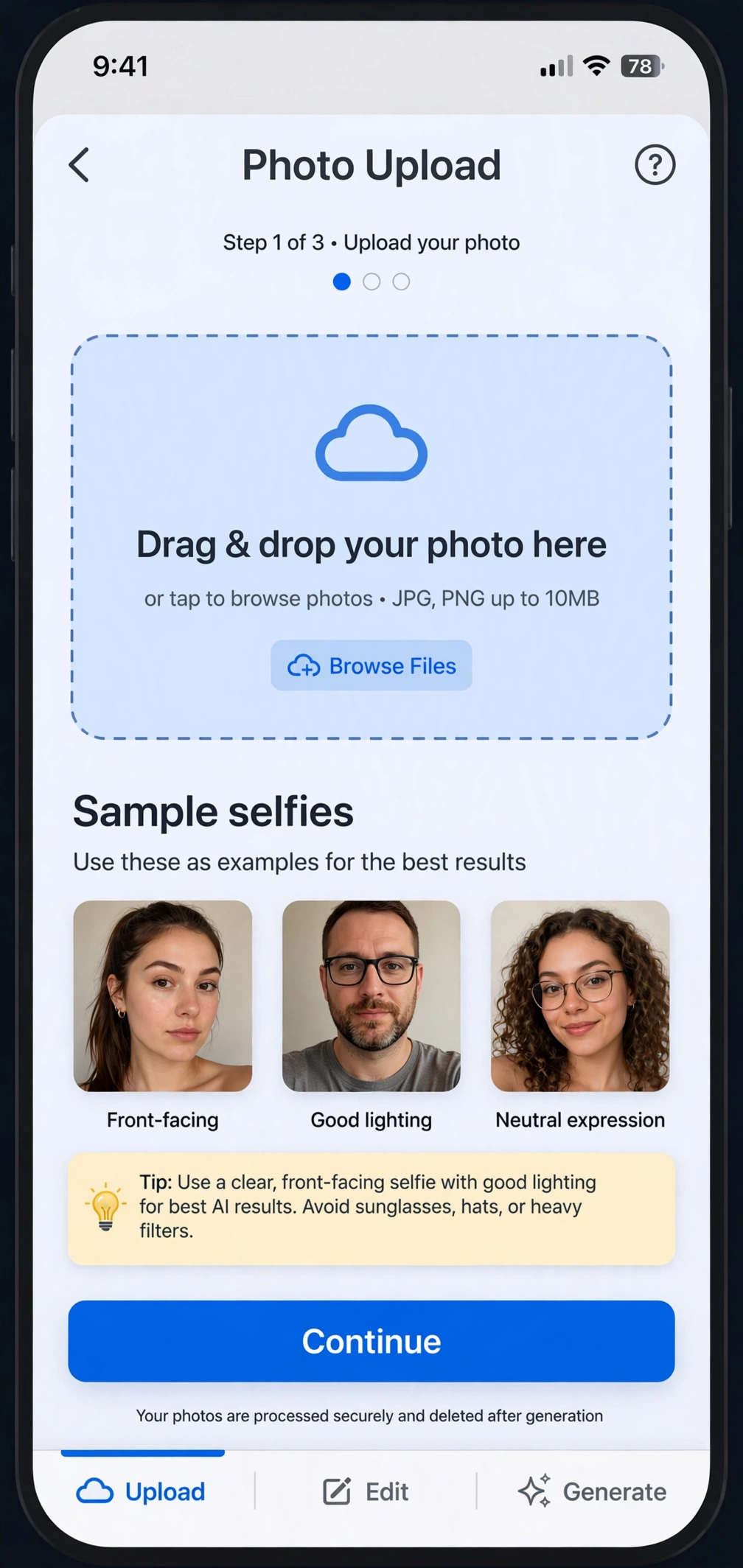
The process is nearly identical across every tool:
- Upload selfies. You provide 5–15 casual photos of yourself — different angles, expressions, and lighting help the AI learn your face.
- The AI trains on your face. The tool builds a model of your facial features. This takes anywhere from a few minutes to an hour depending on the service.
- Pick styles. Choose from options like corporate, creative, outdoor, or formal — suits, blazers, studio backgrounds.
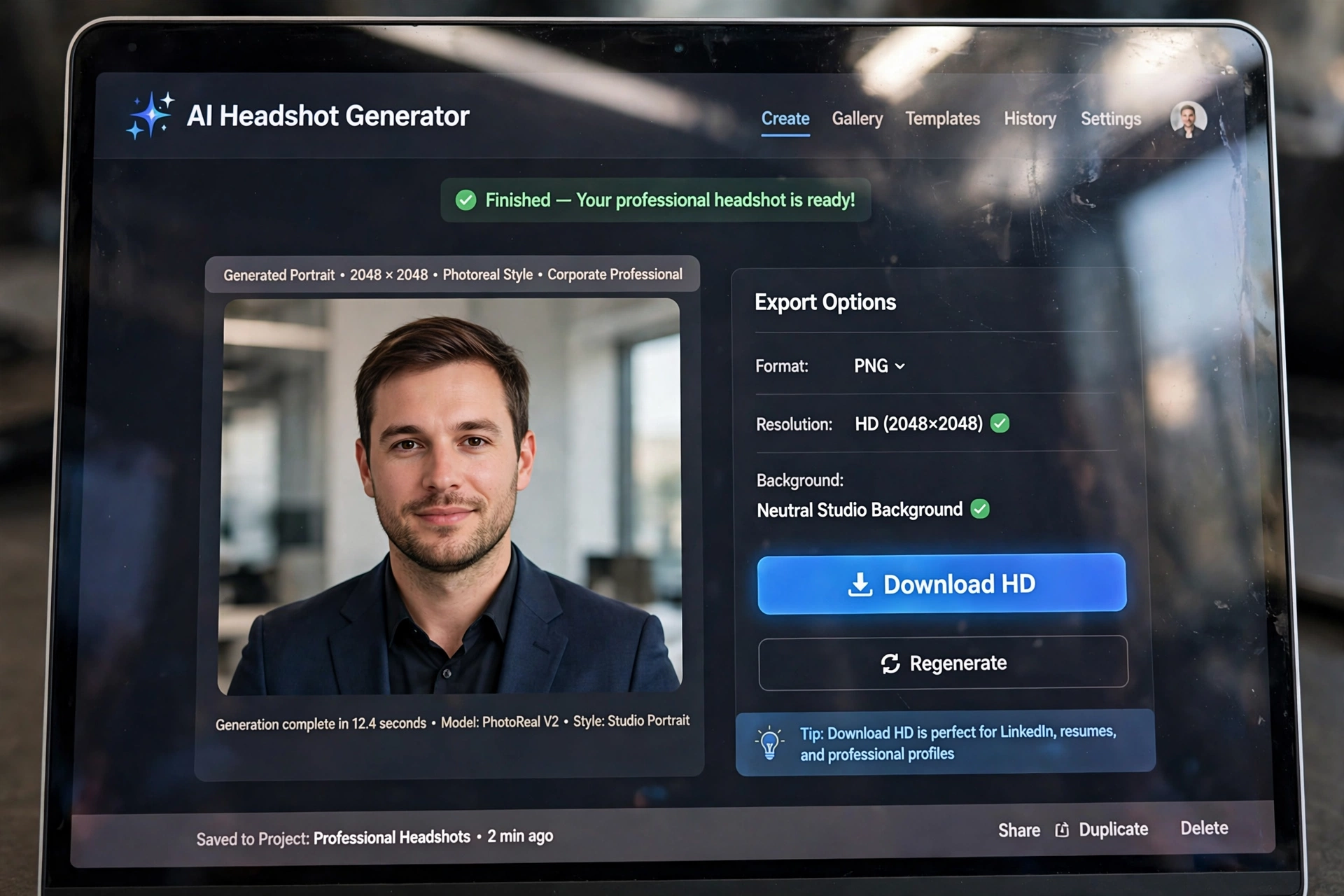
- Generate and download. The AI produces dozens of headshots. You preview them and download your favorites.
The technology is genuinely impressive now: lighting, skin texture, and backgrounds look convincingly professional. The catch with free plans is usually quantity (a handful of free generations), resolution, or a watermark — paid tiers remove those limits.
A quick note on pricing: free tiers change often. Every tool below offered a free option at the time of writing, but always check the current plan page before uploading photos.
The 7 Best Free AI Headshot Generators
1. PFPMaker
PFPMaker is one of the most generous free options. Upload a single photo and get a large batch of AI-generated profile pictures in different styles within minutes — no lengthy training wait. The free tier gives you plenty of images to choose from, making it the fastest way to test the concept.
Best for: Trying AI headshots in under five minutes with zero commitment. Free tier: Large set of free generated images from one upload.
2. Remini
Remini is famous for its photo-enhancement AI, and its headshot features turn casual selfies into sharp, professional portraits. The app leans on beautification-style processing, so results look polished — sometimes dramatically so. Great for LinkedIn if you want maximum polish.
Best for: Maximum glow-up from a single selfie. Free tier: Limited free trials; full features are paid.
3. Canva
Canva’s AI tools include headshot-style generation and, more usefully, excellent free editing for any headshot you generate elsewhere — background removal, background replacement, lighting adjustments, and cropping to LinkedIn’s ideal dimensions. If you already use Canva, it is the natural finishing studio.
Best for: Polishing and framing headshots you generate anywhere. Free tier: Core editing tools free; some AI features need Pro.
4. Fotor
Fotor’s AI headshot generator offers a straightforward flow: upload selfies, pick a professional style, and download results. Its free tier gives you a taste with a limited number of generations — enough to get a usable LinkedIn photo if your source selfies are good.
Best for: A simple, no-fuss free headshot with decent style variety. Free tier: Limited free generations; watermark possible on some outputs.
5. Aragon AI
Aragon is one of the best-known dedicated headshot services, famous for realistic corporate results. It is primarily paid, but it typically offers preview or trial options that let you see your generated headshots before committing — useful for judging quality before spending anything.
Best for: Previewing premium-quality results before deciding to pay. Free tier: Free previews/trial; full downloads paid.
6. HeadshotPro
HeadshotPro pioneered the AI headshot category and remains a quality benchmark. Like Aragon, it is a paid service at its core, but it generally lets you generate and preview headshots first, so you can evaluate the results free before buying the ones you want.
Best for: Judging top-tier quality with free previews. Free tier: Free generation previews; downloads paid.
7. Your Phone + Free AI Editors (The $0 Combo)
Do not overlook the truly free path: take a good selfie against a plain wall in soft window light, then use free AI tools to elevate it — background blur or replacement, lighting enhancement, and professional cropping. Combined with a generator’s free tier for style options, this costs literally nothing and often beats a rushed paid generation from bad source photos.
Best for: Anyone with a decent phone camera and ten minutes. Free tier: Completely free.
How to Get the Best Results (5 Pro Tips)
The AI can only work with what you give it. These five tips matter more than which tool you pick:
- Use sharp, well-lit selfies. Face a window for soft natural light. Blurry bar photos produce blurry headshots — garbage in, garbage out.
- Upload variety. Different angles, slight smile and neutral expressions, with and without glasses if you wear them. Variety teaches the AI your real face.
- Skip heavy filters. Upload natural photos. Filters confuse the AI about your actual features and the results look less like you.
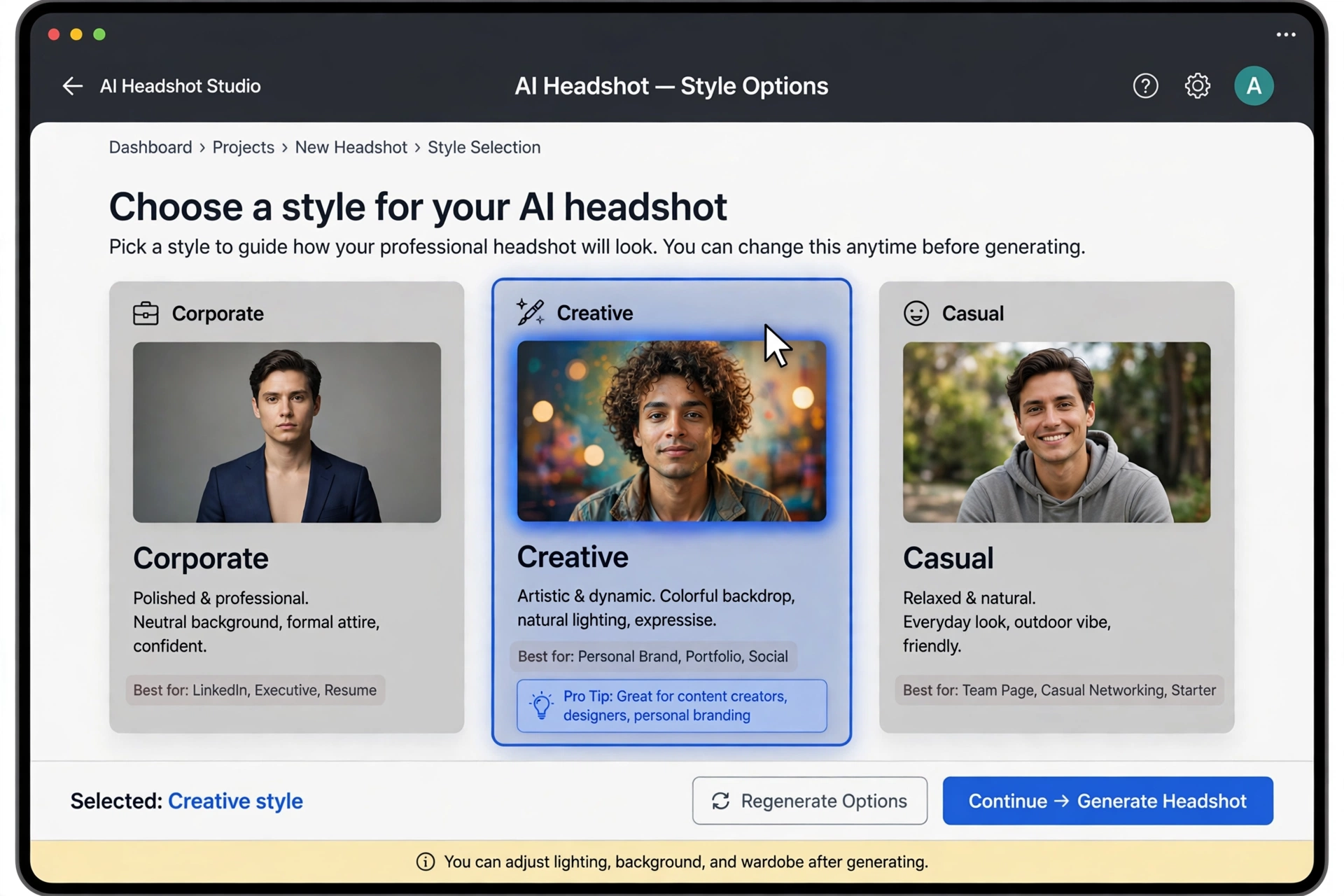
- Match the style to the goal. Corporate blazer and neutral background for LinkedIn and resumes; creative styles are fine for portfolios and social media.
- Generate more than you need. Make 20–40 options and pick the best 2–3. Your first favorite is rarely your best once you compare — ask a friend which looks most like you.
Free vs Paid: What’s the Catch?
Free tiers are real, but they come with trade-offs. Here is what to expect:
- Fewer generations. Free might mean 5–10 headshots versus 100+ on paid plans. Enough for one good photo, not a full portfolio.
- Watermarks. Some free outputs carry a small watermark. Usually removable by cropping, but check before using professionally.
- Lower resolution. Free downloads may be fine for LinkedIn (which displays small) but not for print.
- Slower processing. Free users often wait in a queue while paying customers jump ahead.
- Your photos as the product. Read the privacy policy: some free tools reserve rights to use uploaded photos for training. Prefer tools with clear data-deletion options.
When to pay: If you are actively job hunting, a $20–$40 one-time headshot package is one of the cheapest career investments you can make — far less than a photographer. But try free first; you might not need more.
FAQ
Are free AI headshot generators actually good?
Yes — surprisingly good in 2026. The best free results are convincingly professional at LinkedIn display sizes. They are not identical to a $300 studio shoot (a trained eye can sometimes tell), but for online profiles and resumes, most viewers cannot distinguish them.
Will the headshot actually look like me?
Mostly, yes — if your source selfies are good. The AI preserves your core facial features while improving lighting, background, and attire. Results drift when source photos are blurry, heavily filtered, or all taken from the same angle. Follow the pro tips above for the closest likeness.
Is it safe to upload my photos to these tools?
Generally yes with reputable tools, but read the privacy policy first. Look for clear statements about data deletion and whether photos are used for AI training. Avoid uploading to unknown tools with no privacy policy, and never upload ID documents or sensitive images.
What size should my LinkedIn headshot be?
LinkedIn displays profile photos at 400 × 400 pixels minimum, and recommends at least 800 × 800 for crispness. Every generator’s download meets this. After downloading, you can fine-tune cropping with free editors — and if your phone feels slow while editing, see How to Clear Cache on iPhone.
Can I use an AI headshot on my resume?
Yes. A clean, professional AI headshot works well on resumes in most industries and regions. Keep it small and professional — and note that in some countries (like the US), photos on resumes are uncommon, so consider your local norms first.
Conclusion
You do not need a photographer for a professional profile photo in 2026. Start with the genuinely free options — PFPMaker for instant results, Fotor for style variety, or the $0 phone-plus-editor combo — upload great source selfies, generate plenty of options, and pick the one that looks most like you on your best day.
Once your photo is ready, complete the package: use our 15 ChatGPT Prompts for Resume Writing to polish the resume it sits on, and read Is ChatGPT Free? Plans Explained if you want AI help with the whole job hunt.