How to Start a Faceless YouTube Channel and Make Money (2026)
How to start a faceless YouTube channel and make money is one of the smartest beginner moves on the platform — you get all of YouTube’s earning potential with none of the camera anxiety. Faceless channels use voiceovers, screen recordings, stock footage, animation, or text-on-screen instead of a person talking to the camera. Some of YouTube’s biggest channels in history, finance, tech, and storytelling niches have never shown a face. The format works because viewers come for the information or the story, not the presenter.
This guide covers the faceless formats that actually monetize, the tools you need (mostly free), how to produce videos efficiently, YouTube’s rules on reused content, and the realistic path to income without ever appearing on camera.
Faceless Formats That Actually Make Money
Not all faceless content monetizes equally. YouTube’s reused-content policy rejects channels that simply reupload others’ clips with minimal changes. These formats are original, add clear value, and get approved for monetization every day:
- Screen-recorded tutorials. Software walkthroughs, Excel tricks, coding lessons. Your voice plus your screen — simple, searchable, and high-converting for affiliates.
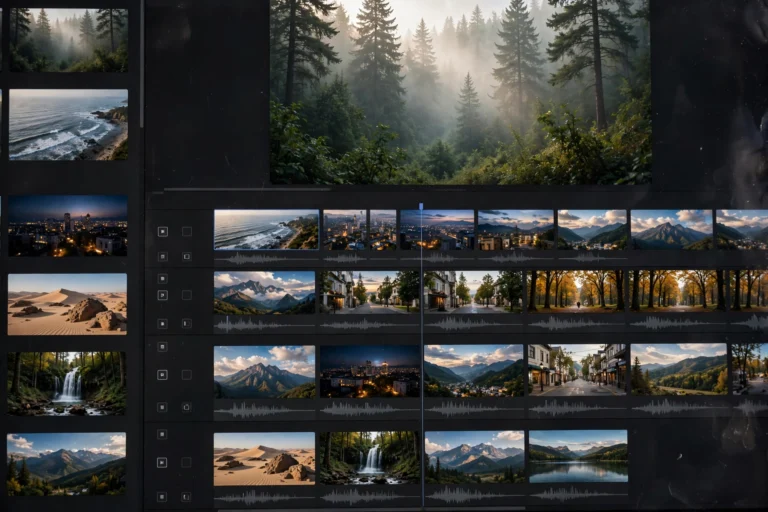
- Voiceover + stock footage. History, finance explainers, true crime, motivational stories. You write an original script; footage illustrates it.
- Animated explainers. Whiteboard or motion-graphic videos breaking down complex topics. Higher production effort, but very shareable.
- Text-on-screen compilations. Reddit stories, facts channels, “top 10” lists with kinetic text and background footage. Fast to produce once templated.
- AI-assisted narration channels. Script written by you, voiced with quality AI narration, edited with real footage. Works — but the script quality must be genuinely good, since the voice is no longer the differentiator.
Step 1: Pick a Niche Built for Faceless Content
The best faceless niches have evergreen demand, visual storytelling potential, and advertisers willing to pay. Strong options for beginners:
- Personal finance explainers. High RPMs ($15 to $30), endless topics, and viewers who watch to the end. Crowded at the top, wide open in sub-niches.
- Tech and software tutorials. Search-driven traffic that compounds for years. One good tutorial can earn daily for half a decade.
- History and geography storytelling. Huge watch times, loyal audiences, and relatively low competition for quality production.
- Health and science explainers. Strong demand, but stick to well-sourced mainstream topics — medical misinformation gets channels removed.
- Scary/mystery storytelling. Massive audiences and binge-watching behavior, though RPMs are lower than finance or tech.
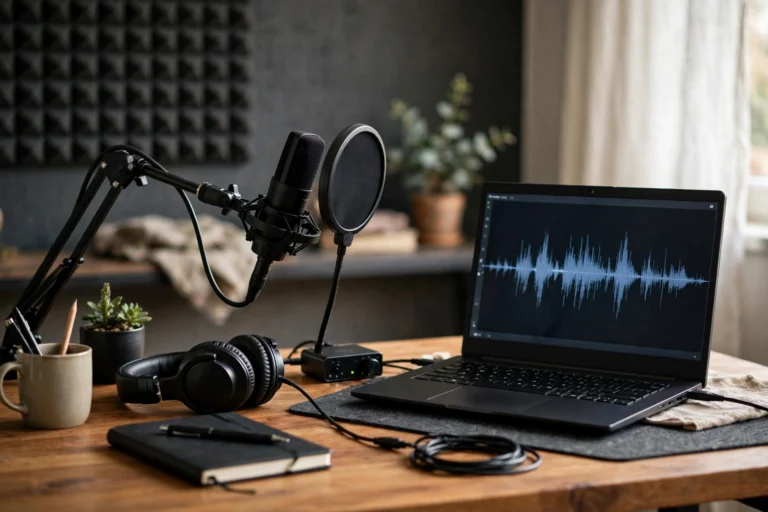
“Faceless does not mean effortless. The channels that win are the ones where the script could stand alone as a great article — the visuals are just the delivery vehicle.”
Step 2: Get the Minimum Tool Stack
Faceless production needs different tools than vlogging, but the total cost can still stay near zero:
- Microphone ($25 to $60). Audio quality matters even more without a face — your voice is the entire human connection. A basic USB or lavalier mic is the one purchase that matters.
- Screen recorder (free). OBS Studio is free and professional-grade for tutorials and gameplay-style content.
- Stock footage (free tiers). Pexels, Pixabay, and Coverr offer free commercial-use footage. Paid libraries like Storyblocks save time once you earn.
- Editor (free). CapCut or DaVinci Resolve handle cuts, captions, zooms, and b-roll layering — everything faceless formats need.
- Voiceover options. Record yourself (best for connection) or use quality AI voices like ElevenLabs for narration. If you use AI voice, your script originality must carry the video.
- Thumbnails. Canva’s free tier is enough. Faceless channels live or die on thumbnails even more than face channels do.
Step 3: Build an Efficient Production Workflow
Faceless channels win on volume and consistency. A repeatable workflow lets one person publish weekly without burnout:
- Script first, always. Write a full script (800 to 1,500 words for an 8-12 minute video). Good faceless videos are written, not improvised.
- Record audio in one session. Batch-record two or three scripts at once. Consistent mic setup means consistent sound.
- Edit with a template. Build a reusable project template: intro card, b-roll rhythm (new visual every 5 to 10 seconds), caption style, outro. Templates cut editing time in half.
- Thumbnail and title together. Design the thumbnail before you finish editing — if you cannot make it clickable, reconsider the video’s angle.
- Publish weekly. One quality video per week beats three rushed ones. Faceless formats compound through libraries, not virality.
Step 4: Stay on the Right Side of YouTube’s Rules
This step decides whether you ever get monetized. YouTube’s reused-content policy is the number one killer of lazy faceless channels:
- Original commentary or scripting is mandatory. Slapping music over compilations of others’ clips will be rejected. Your original script, analysis, or narration must be the core value.
- Transform stock footage. Use it as illustration for your original narration — with cuts, zooms, text overlays, and pacing that make it clearly your production.
- Disclose AI content properly. YouTube requires disclosure for realistic AI-generated content. Check the disclosure box when uploading AI-voiced or AI-visual content.
- Respect copyright. Use licensed or royalty-free music and footage. Copyright strikes can end a channel; the free libraries listed above keep you safe.
Step 5: Monetize Beyond Ad Revenue
Faceless channels monetize through the same YouTube Partner Program (1,000 subscribers plus 4,000 watch hours or 10M Shorts views), but the smartest ones stack income from day one:
- Affiliate links. Tutorial and finance channels earn heavily here — link every tool, book, and product you mention.
- Sponsorships. Brands sponsor faceless channels readily; the audience demographics matter, not the host’s face. Even 10k-subscriber niche channels land deals.
- Digital products. Templates, guides, presets, or courses tied to your niche. A finance channel selling a budgeting template is a classic high-margin combo.
- Repurposing. Turn scripts into blog posts, newsletters, or short-form clips. One script can feed three platforms.

Realistic Timeline and Earnings
Faceless channels follow the same curve as regular channels: months 1 to 3 bring minimal views while you build a library and refine production. Most consistent creators see real traction around video 30 to 50, typically month 6 to 10, with monetization following shortly after. A faceless channel with 100,000 monthly views in finance or tech can earn $1,500 to $3,000 a month from ads alone, with affiliates often matching or exceeding that. The format’s advantage is scalability — templated production lets you publish more, and more videos mean more compounding search traffic.
“The faceless advantage is not hiding — it is leverage. One person with templates and systems can run what used to require a production team.”
FAQ
Can faceless YouTube channels get monetized?
Yes, absolutely — thousands of faceless channels are in the YouTube Partner Program. The requirement is original value: your own scripts, commentary, or transformative editing. Channels that just reupload others’ content get rejected under the reused-content policy, but legitimate faceless formats pass review routinely.
How much does it cost to start a faceless channel?
You can start for under $60 — a basic microphone plus free tools (OBS, CapCut, Pexels footage). Many successful faceless creators spent nothing but the mic for their first fifty videos, upgrading to paid stock libraries only after revenue started.
What is the best faceless niche for beginners?
Software tutorials and finance explainers combine the best mix of search demand, high ad rates, and beginner-friendly production. History storytelling and science explainers are strong alternatives if you enjoy research and writing more than tutorials.
Do I need to use AI voice for a faceless channel?
No — and your own voice usually performs better, because viewers connect with a real human voice. AI narration is a legitimate option if you cannot or will not record, but invest the saved effort into exceptional scripting, since the script becomes your entire edge.
How many videos until a faceless channel makes money?
Most creators see meaningful traction between 30 and 50 videos, roughly 6 to 10 months of weekly uploads. Ad revenue starts after YPP acceptance; affiliate income can start from video one if you link relevant products in descriptions.
Conclusion
Learning how to start a faceless YouTube channel and make money comes down to five moves: choose a monetizable faceless format and niche, assemble a minimal tool stack around a good microphone, build a templated weekly production workflow, create genuinely original content that sails through YouTube’s policies, and stack affiliate and product income on top of ad revenue. The camera was never the requirement — the script was.
This week: pick your niche and format, write your first full script, and record it with whatever mic you can get. Publish it, then do it again next week. Fifty videos from now, you will have a library earning while you sleep — and nobody will ever need to see your face for it to work.